

The core of symptom logging comes down to five habits: log at the same time each day, record date, duration, severity and triggers for every entry, rate severity on a simple 0 to 10 scale, mark symptom-free days rather than leaving them blank, and build a one-page summary before every clinical appointment. Do those five things consistently and your log becomes genuinely useful rather than a pile of scattered notes.
Patterns in most conditions start to show after 4 to 6 weeks of consistent tracking, and a 90-day record gives a fuller picture for anyone reviewing it with you. That timeline matters because it tells you how long to commit before judging whether the method is working.
Start now, not once you've designed the perfect system:
- Set up a basic template today (paper, spreadsheet, or an app) with the fields listed below.
- Attach one daily reminder to an existing habit, such as brushing your teeth or taking medication.
- Export or print a one-page summary a few days before your next appointment, not the night before.
Key Takeaways
Consistent symptom logging with a standard 0 to 10 severity scale, complete daily fields, and a one-page clinician summary produces the clearest, most actionable health record.
| Point | Details |
|---|---|
| Track for the right window | Give it 4 to 6 weeks for initial patterns, 90 days for a comprehensive clinical picture. |
| Record every core field | Note date, time, duration, severity, trigger, and treatment response for each entry. |
| Log the good days too | Marking symptom-free days stops clinicians misreading blanks as missing data. |
| Use a consistent severity scale | A 0 to 10 rating with labelled bands keeps entries comparable over time. |
| Summarise before appointments | An exported one-page summary saves time and highlights urgent trends fast. |
Table of Contents
- What are the symptom logging best practices for recording each entry?
- How do you log symptoms without burning out on the routine?
- How should you rate symptom severity on a 0 to 10 scale?
- How do you turn a symptom log into something a clinician wants to see?
- Which app features actually help with symptom tracking?
- What does a ready-to-use symptom log template look like?
- What most guides on symptom logging get wrong
- Frequently asked questions about symptom logging
- Sources
What are the symptom logging best practices for recording each entry?
Every entry needs the same backbone: date and time of onset, duration, severity, location if relevant, what you were doing beforehand, possible triggers, any medication or remedy used with dose and time, and how you responded to it. Healthline's guidance on symptom journaling lists these as the fields that give a log real clinical value, and leaving even one out tends to weaken the picture over time.
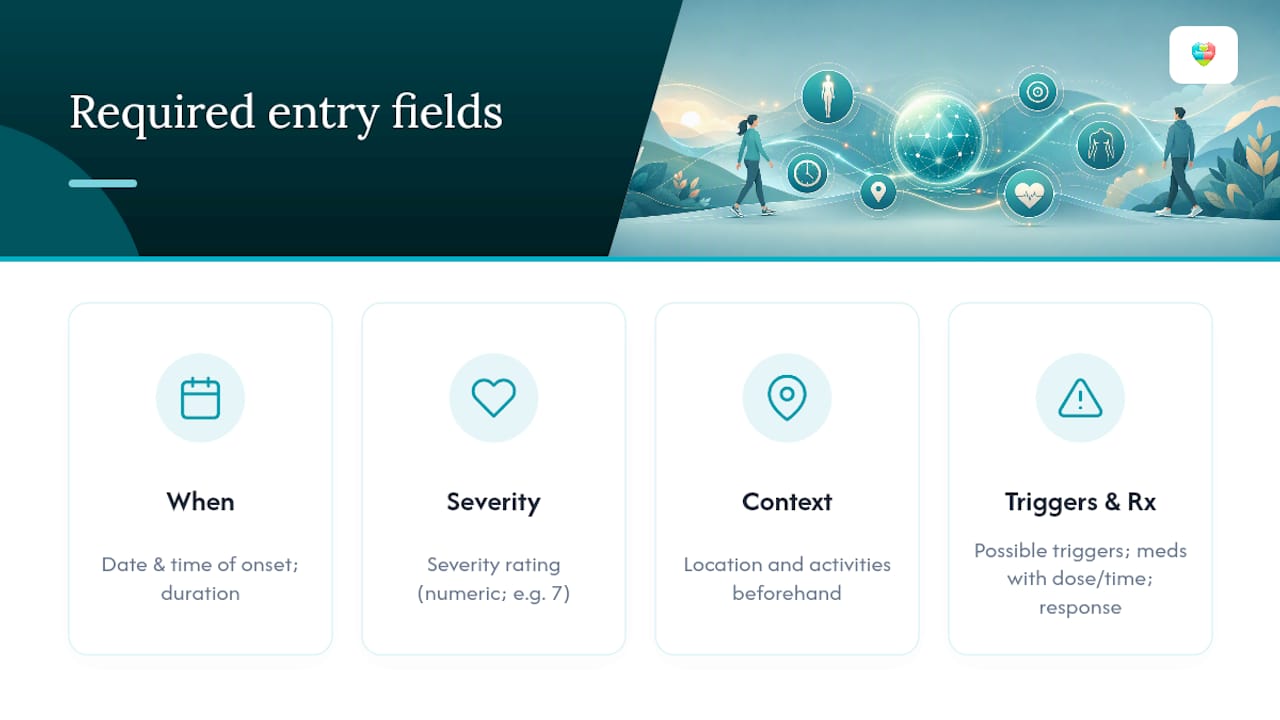
Logging "no symptoms" matters as much as logging a bad day. Skipping entries on good days creates gaps that clinicians can misread as missing data rather than genuine absence of symptoms, which distorts how often a problem is actually occurring. A week with three logged flare-ups and four blank days looks very different from three flare-ups and four confirmed symptom-free days, even though the underlying pattern might be identical.
Here's what a properly filled entry looks like:
14 March 2026, 3:40pm. Migraine, severity 7. Onset after two hours at a laptop with poor lighting. No food trigger identified. Took 400mg ibuprofen at 4:00pm. Pain dropped to severity 3 by 6:00pm. Slept early, felt clear by morning.
That single entry answers almost every question a GP would ask without a follow-up. Some conditions need extra fields worth adding from day one. Gastrointestinal symptoms benefit from a short food diary column. Fatigue tracking is far more useful with a basic sleep quality note attached, since energy levels rarely make sense in isolation from rest.
How do you log symptoms without burning out on the routine?
Two broad methods work, and which one suits you depends on the condition. Event-based logging, where you note something only when a symptom actually happens, works well for infrequent or unpredictable issues like migraines or allergic reactions. Scheduled daily check-ins, done once in the morning and once at night, suit chronic or fluctuating conditions such as arthritis or long-term fatigue, where the absence of a symptom is as informative as its presence.

Habit-linking is the single most reliable way to keep either method going. Attach your log to something you already do without thinking, such as taking a morning medication dose or brushing your teeth before bed. A phone alarm at a fixed time works, but a reminder tied to an existing routine tends to survive longer than one that relies on willpower alone.
Pro Tip: On rough days, log a bare number and nothing else. A single severity rating jotted down beats a detailed entry you never get round to writing, and you can always add context later once you feel better.
Missed days will happen. Don't backfill guesses, and don't abandon the log because of a gap. A month with 25 solid entries and five blanks still shows a pattern; a month with zero entries because you gave up after one missed day shows nothing at all. Simplicity and consistency beat exhaustive detail for long-term adherence, particularly with chronic conditions where you're logging for months, not days. Linking symptom checks to your medication routine is one of the easiest ways to make this stick.
How should you rate symptom severity on a 0 to 10 scale?
A consistent numeric scale is what turns a diary into data. UCSF Health recommends a straightforward 0 to 10 rating alongside a calendar of appointments and tests, and the bands below give that scale some practical meaning rather than leaving "7" open to interpretation.
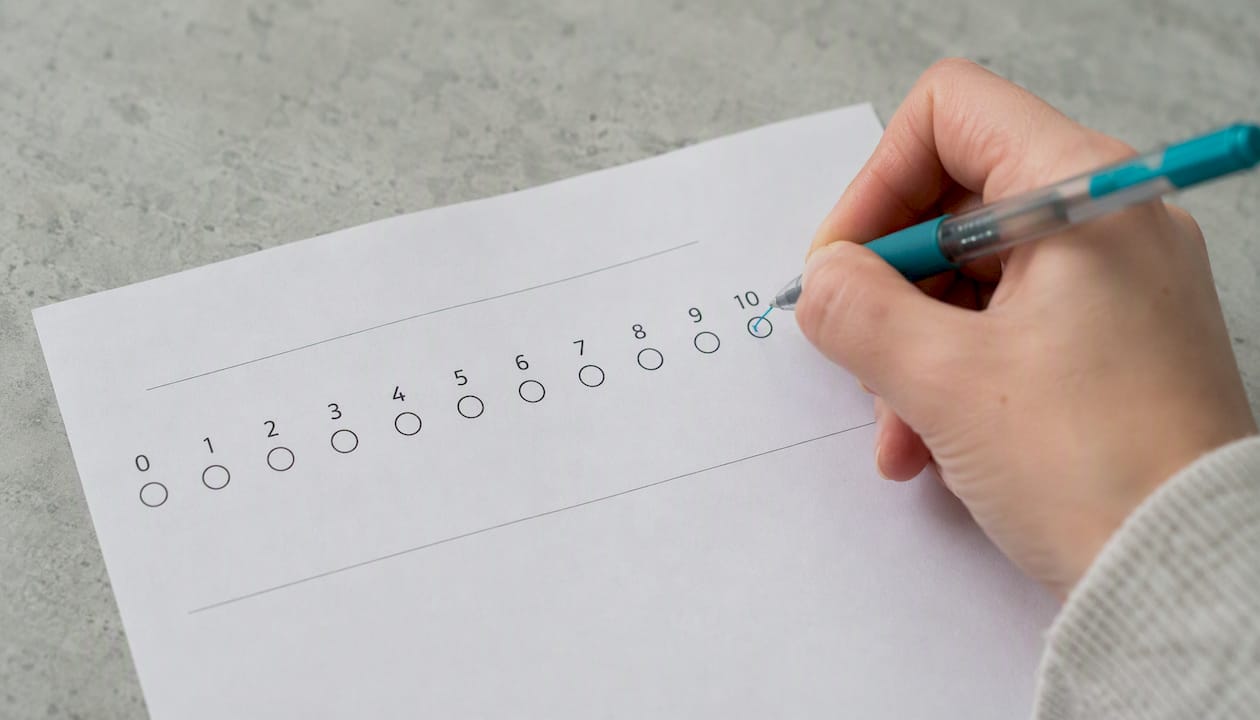
| Score | Band | What it typically looks like |
|---|---|---|
| 0 | None | No symptom present |
| 1 to 3 | Mild | Noticeable but doesn't stop you doing anything |
| 4 to 6 | Moderate | Interferes with concentration or normal activity |
| 7 to 10 | Severe | Stops you working, sleeping, or functioning normally |
A few phrases worth copying straight into your log:
- Mild: "Aware of it, carried on as normal."
- Moderate: "Had to stop and rest, couldn't focus properly."
- Severe: "Unable to continue with the day, needed help or medication immediately."
Numbers alone don't always tell the full story. Pair severity scores with objective measures where they exist, such as temperature for a fever, blood pressure for cardiovascular symptoms, or step count for fatigue. A severity of 6 with a temperature of 38.9°C reads very differently from a 6 with a normal temperature.
How do you turn a symptom log into something a clinician wants to see?
Clinicians consistently prefer a condensed, exportable summary over pages of raw daily notes, because a busy ten-minute appointment isn't the place to read three months of diary entries line by line. Build a one-page summary before you go, using this order:
- Overall pattern (frequency, whether things are improving or worsening).
- Any medication changes since the last visit.
- Worst episode in the period, with date and severity.
- Frequency count (how many days out of the tracking period the symptom appeared).
- Current concerns or specific questions you want answered.
If you're exporting from an app or spreadsheet, CSV or PDF both work, with columns for date, time, severity, trigger, treatment, and response. Highlight anything urgent, such as a sudden jump in severity or a new trigger, rather than letting it sit buried in a long list. Turning weeks of notes into a short summary before a booked appointment tends to make the consultation itself far more focused.
Pro Tip: Print two copies. Hand one over and keep one for yourself to follow along during the conversation, so you don't lose track of what's been discussed against what's on the page.
On privacy: choose UK GDPR-compliant tools, strip out personal identifiers before sharing a log with anyone outside your direct care team, and keep a local backup of every exported file before you send it anywhere.
Which app features actually help with symptom tracking?
Not every feature matters equally. The ones worth prioritising are time and date stamping, custom fields for condition-specific detail, offline entry for when you're without signal, reminders, one-tap export to CSV, simple visual trend charts, secure sharing, and support for multiple people in one household.
Automation is what separates a log you keep from one you abandon after a fortnight. Default fields and reminders remove the friction of deciding what to write each time, and where a platform offers alerts or thresholds, that can add genuine clinical value. A six-month web-based monitoring programme found reduced symptom interference and fewer emergency department readmissions, with high daily adherence in the group using the digital tool, evidence that a well-built system changes outcomes, not just convenience.
A platform that pairs medication schedules with symptom and diary logging in one place removes the guesswork of matching a flare-up to a dose change days later. That's the gap most paper diaries can't close.
The Daily Dose Tracker builds symptom logging directly alongside medication schedules and dose history, so a symptom entry and the medication taken around it sit in the same record rather than two separate systems you have to cross-reference manually. Look for UK GDPR coverage, clear export controls, and explicit data-sharing settings before trusting any tool with health information, and for anyone coordinating remote care, it's worth understanding how telehealth workflows increasingly rely on exactly this kind of structured log.
What does a ready-to-use symptom log template look like?
Copy this row structure into a spreadsheet or app: date, time, symptom, severity (0 to 10), duration, trigger/context, medication or remedy, response, notes.
Three examples to show how it works in practice:
- Pain flare: 12/03/2026, 8:15am, lower back pain, severity 6, lasted 3 hours, after lifting shopping, took paracetamol 500mg at 8:30am, dropped to severity 2 by 11am, notes: same trigger as last week.
- Brief episode: 13/03/2026, 1:00pm, dizziness, severity 4, lasted 10 minutes, stood up quickly after sitting, no medication taken, resolved on its own, notes: check blood pressure next visit.
- Symptom-free day: 14/03/2026, no symptom logged, notes: felt normal all day, slept well.
Run three checks every week: how often did each symptom occur, what was the worst episode and when, and is there a likely trigger showing up more than once. Adapt the template for your own condition. Add a food column for gastrointestinal issues, or a sleep-quality line for fatigue and energy tracking, since pairing symptoms with medication timing often reveals connections a bare symptom list would miss entirely.
What most guides on symptom logging get wrong
Most advice on this topic treats detail as the goal, telling readers to write more, track more fields, capture more nuance. The research doesn't back that up. What actually predicts whether someone keeps a log for three months rather than three days is how little friction it takes to make an entry, not how thorough that entry is.
The conventional wisdom also underrates the symptom-free day. Plenty of people stop logging the moment things improve, then wonder why their eventual clinician summary looks patchier than it should. A gap reads as absence of data, not absence of symptoms, and that distinction shapes how a GP interprets frequency.
If you take one thing from this, prioritise the export step over the daily entry itself. A brilliant three-month log that never gets summarised into something a clinician can scan in ninety seconds has done half its job. Build the habit first, then build the summary habit right alongside it.
Frequently asked questions about symptom logging
How often should I log symptoms if I have a chronic condition? Daily check-ins, morning and evening, work best for chronic or fluctuating conditions since the absence of a symptom on a given day is itself useful information.
What's the minimum information I need to write down each time? Date and time, severity on a 0 to 10 scale, duration, and anything you took for it. Add triggers and context when you have the time and energy.
Do I need to log symptoms every single day, even when nothing happens? Yes, ideally. A quick note confirming a symptom-free day prevents that gap being misread as missing data rather than genuine improvement.
What format do clinicians actually prefer to review? A short exported summary, CSV or a printed one-page timeline, rather than weeks of unsorted daily notes. Highlight the worst episode and any recent medication changes.
Is it safe to use an app for this instead of a paper diary? Yes, provided the app is UK GDPR-compliant, gives you export control over your own data, and lets you manage sharing settings clearly before anything leaves your device.
This article is general information, not a substitute for advice from a qualified doctor. Consult a qualified healthcare professional about your own circumstances before acting on anything here.
Sources
- NHS 111 Online
- Symptoms journaling: What, why, and how
- 5 tips for keeping a symptom diary for headaches, stomach problems & more | Houston Methodist on Health
- Journal of Medical Internet Research (2025 study on web‑based symptom monitoring)
- Using a medical calendar and symptom log | UCSF Health